Email Management
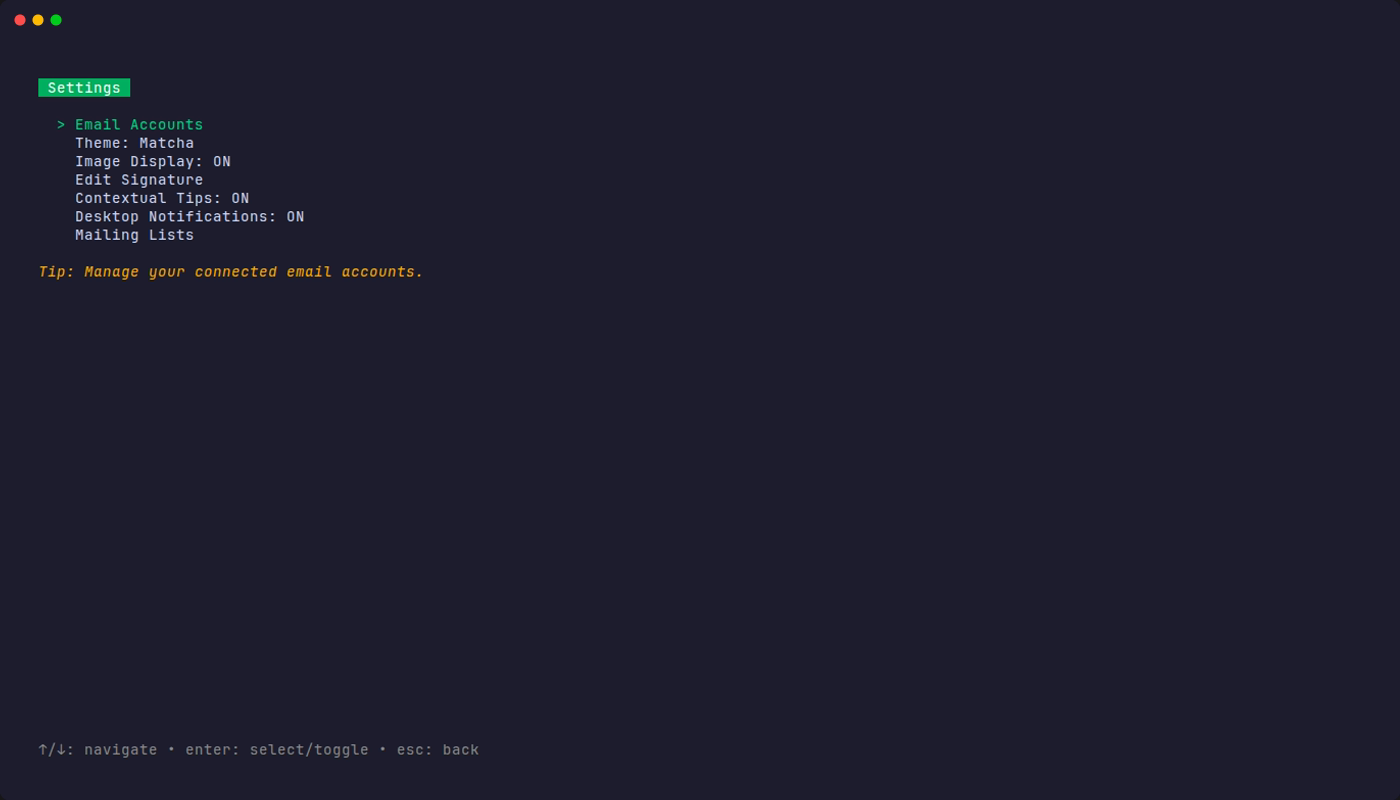
Matcha provides comprehensive tools for managing your emails directly from the terminal.
Key Features
- 📬 Inbox & Sent Mail: View and manage emails from both inbox and sent folders.
- 📧 Multi-Account Support: Manage multiple email accounts with an elegant tabbed interface.
- ⚡ Smart Caching: Instant inbox display with background refresh for optimal performance.
- 🔄 Real-time Refresh: Manually refresh your inbox at any time with a single keypress.
- ♾️ Infinite Scroll: Automatically loads more emails as you scroll through your inbox.
- 🔍 Search & Filter: Built-in filtering to quickly find emails by subject, sender, or content.
Rich Email Viewing
Matcha supports rendering various email formats:
- HTML email rendering with proper formatting.
- Markdown support for plain-text emails.
- Styled headers and body text.
- Proper handling of quoted-printable encoding.
Actions
- 💬 Reply to Emails: Quick reply with automatic quoting of original message.
- 🗑️ Delete & Archive: Manage your inbox by deleting or archiving messages.
- 📎 Attachment Support:
- Download email attachments to your Downloads folder.
- Automatic file opening after download.
- Smart filename handling (prevents overwrites with auto-numbering).
- Support for various attachment encodings.