🍵 Welcome to Matcha
Matcha is a modern, beautiful, and feature-rich email client for the terminal, designed for speed and efficiency.
Getting Started
Ready to dive in? Here are a few places to start:
- 🚀 [Installation Guide](./Getting Started/installation.md) - Get Matcha running on your machine
- 📖 Usage & Shortcuts - Learn how to navigate the interface
- ⚙️ Configuration - Set up your accounts and preferences
Core Features
Matcha is packed with features to make email management in the terminal a breeze:
- Email Management - Read, reply, delete, and archive emails.
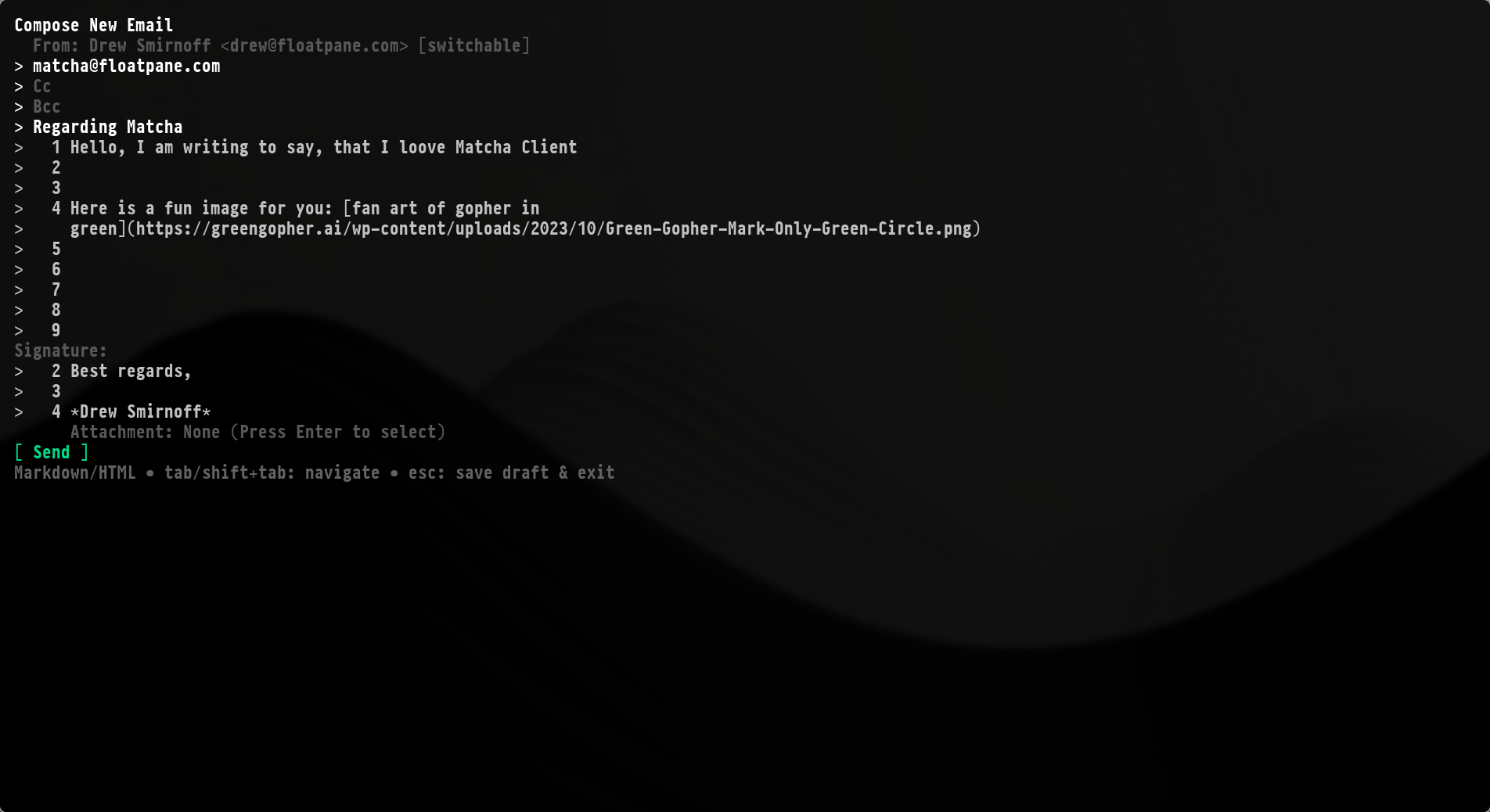
- Composing - Write emails in Markdown with rich formatting support.
- Account Management - Seamlessly manage multiple accounts.
- Contacts - Keep your contacts organized and easily accessible.
- Drafts - Save unfinished emails and pick them up later.
- UI - A responsive, tabbed interface with color-coding and clear focus management.
- Advanced - Automatic updates, smart image rendering, and performance optimization.
Image & Hyperlink Support
Join the community and contribute on GitHub!